Guide
Word count to page count for a KDP paperback
The page count decides your inside margin on KDP and the thickness of the spine on your cover, so it helps to know it before you format. Here are measured numbers, not a rule of thumb.
Measured page counts
| Words | 5 x 8 in | 5.5 x 8.5 in | 6 x 9 in |
|---|---|---|---|
| 40,000 | 204 | 172 | 150 |
| 60,000 | 308 | 258 | 228 |
| 80,000 | 414 | 348 | 304 |
| 100,000 | 504 | 424 | 370 |
How I measured: I typeset generated test novels of each length with Bookcut's layout engine at each trim size and counted the pages of the finished layout, with the margins the book's own length requires. Real books vary: lots of short dialogue lines add pages, long paragraphs save them, and a larger body size or a different typeface moves everything.
Rules of thumb from the table
- At 6 x 9 in, figure about 260 to 270 words per page. At 5.5 x 8.5 in, about 230. At 5 x 8 in, about 200.
- Going from 6 x 9 to 5 x 8 adds about a third more pages to the same book.
- Each chapter that starts on a new page adds part of a page; starting every chapter on a right-hand page adds a blank page about half the time.
Why the page count matters on KDP
- Margins: the inside margin steps up at 151, 301, 501 and 701 pages (full table). A 60,000 word book at 5 x 8 in lands at about 308 pages, just over the 300-page line, so it needs 0.625 in inside instead of 0.5 in.
- The cover: spine width comes from the page count and paper, so the cover file can only be finished once the interior is final. KDP's cover calculator takes the page count.
- Limits: regular trim sizes take 24 to 828 pages on white paper and up to 776 on cream.
- Print cost: KDP prices printing as a fixed cost plus a cost per page for books over 110 pages, so a smaller trim size, which needs more pages for the same text, costs more to print (KDP Help, printing cost).
Picking a trim size
For fiction, 5.5 x 8.5 in and 6 x 9 in are the common sizes; 5 x 8 in feels like a classic trade paperback and suits shorter novels and novellas. Nonfiction and workbooks lean to 6 x 9 in. If your book would cross a page band at one size but not another, that can tip the choice.
Or let Bookcut do the setup
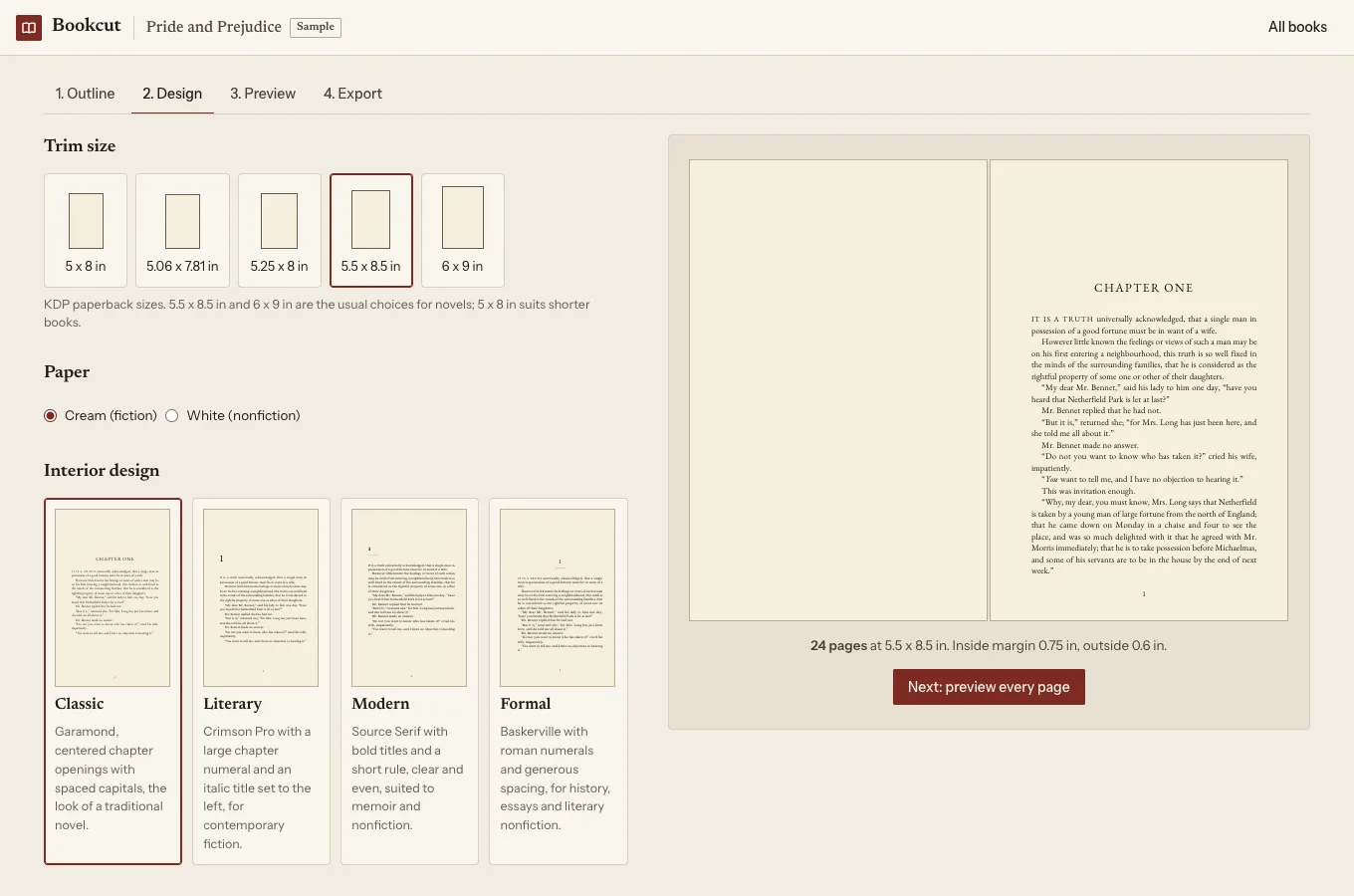
Bookcut reads the .docx you wrote the book in, finds the chapters and front matter, and typesets every page at your trim size with KDP's margin table for your page count already applied. You can look at every page free, and download your first chapter as a PDF to print at home (it has a light "Preview" watermark). When it looks right, the clean print PDF and an EPUB are $12, once for that book. It runs in your browser; the manuscript isn't uploaded.
Open Bookcut